Orchestrate complex workflows across multiple agents with goose

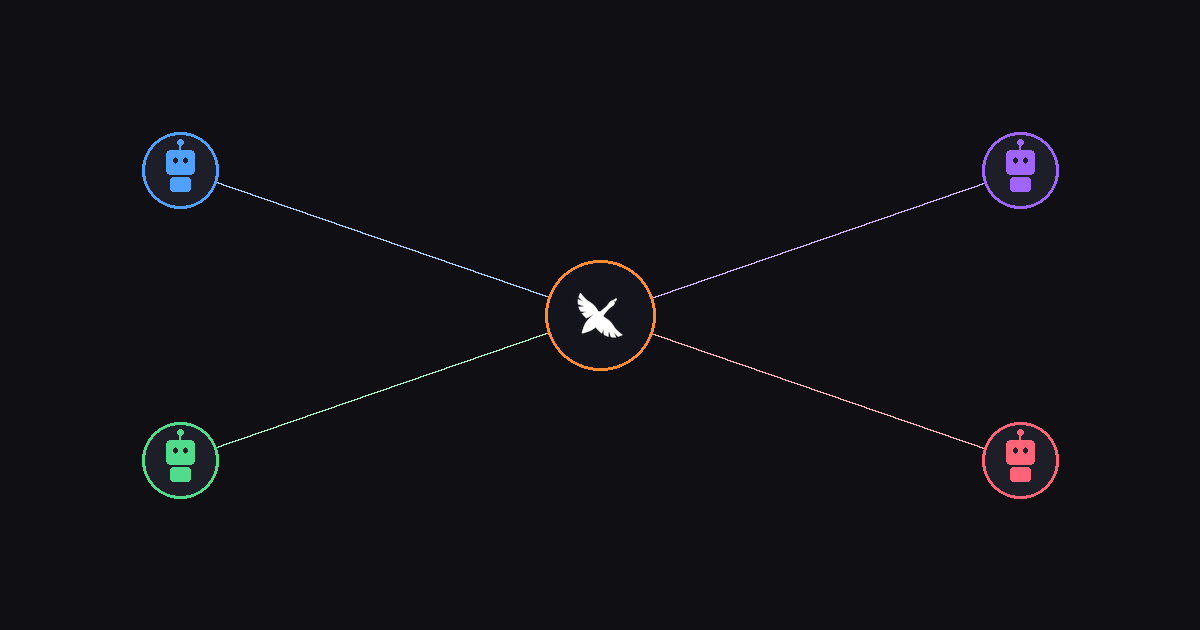
A lot of people prompt their agents one task at a time — "do this, now do that, now do the next thing." It works, but it's slow. Many people also want their agents doing many things at once: researching while coding, reviewing while testing, writing docs while refactoring.
That's what orchestration gives you. Instead of feeding goose one task at a time and waiting, you can have it coordinate multiple agents working in parallel — each focused on a specific piece of the puzzle, with goose keeping everything on track.
What is orchestration?
If you've used subagents before, you already know how to delegate work to independent AI instances. Orchestration is the layer above that — the part that decides who does what and when. Instead of one goose session doing everything sequentially, orchestration lets you:
- Decompose a complex task into independent subtasks
- Delegate each subtask to a separate agent (subagent, ACP provider, or another goose instance)
- Coordinate the results — waiting for dependencies, handling failures, merging outputs
Think of it as the difference between a solo developer and a tech lead managing a team.
Try it yourself
Here's something you can run right now to see orchestration in action. Ask goose:
I need to understand this codebase. In parallel:
- Summarize the project structure and key dependencies
- Identify the main entry points and how data flows through them
- Find any TODO comments or known issues in the code
goose will spin up three subagents simultaneously — one for each research task. You'll see them working at the same time in your session, and all three summaries come back roughly together instead of one after another. What would've been three sequential waits becomes one.
How it builds on what already exists
Orchestration doesn't replace subagents or subrecipes — it builds on them:
| Layer | What it does |
|---|---|
| Subagents (delegate) | Spin up independent sub-tasks |
| Async delegates | Run subagents in the background, collect results later |
| ACP providers | Bring in external agents (Claude Code, Codex, Amp) |
| Orchestration | Coordinate all of the above into structured workflows |
If subagents are your teammates, orchestration is the project plan that tells them what to do and when.
Phased workflows: research → build → verify
Not everything can run in parallel. Some workflows have natural phases where later steps depend on earlier results. You can describe this to goose naturally:
Build a REST API for the inventory system:
1. First, research the existing data models in src/models/ and the API patterns in src/routes/ (do both at the same time)
2. Then implement the inventory API routes following those patterns
3. Finally, write integration tests and do a security review (both at the same time)
goose understands the dependency structure here. Phase 1 runs two research tasks in parallel. Phase 2 waits for those results before building. Phase 3 kicks off two independent verification tasks in parallel.
The key insight: reads can be parallel, writes should be sequential (especially if they touch the same files).
Orchestration + ACP: mixing agents
Here's where things get really interesting. Orchestration works with ACP providers, which means you can delegate to entirely different coding agents — not just goose subagents.
To use them, you just say so in your prompt, e.g:
Refactor the auth module for clarity using Claude Code,
then write tests for it, and use Codex to generate the API docs.
goose understands that you want different agents handling different parts of the workflow. It delegates each task to the right agent, waits for the results, and brings everything together. This works the same whether you're on the CLI or the desktop app — you just ask in natural language.
The only prerequisite is having the provider configured for whichever agents you want to use.
Best practices
When you start orchestrating, it's important to do this with tasks that are conceptually separate and will be less likely to result in edit conflicts on shared files. Here are some tips:
Parallelize your reads
Research tasks are safe to run in parallel. Multiple agents can read the same codebase, docs, or APIs simultaneously without stepping on each other.
Be explicit in instructions
Delegates only know what you tell them. They don't share context with each other or with the parent session. If a delegate needs information from a previous phase, pass it explicitly in the instructions.
Start simple
You don't need to orchestrate everything. A single subagent is fine for straightforward tasks. Orchestration shines when you have genuinely independent work streams or need multiple perspectives on the same problem.
Get started
If you're already using goose, you can start orchestrating today. The simplest way is just to ask:
Do these three things in parallel: [task A], [task B], [task C]
goose handles the rest — spinning up delegates, running them concurrently, and bringing the results together.
For reusable workflows, check out the subrecipes in parallel tutorial to build recipes you can share with your team. And if you want to bring in external agents, the ACP providers guide will get you set up with Claude Code, Codex, or Amp.