Private by Default: Built-in Local Inference Models with goose

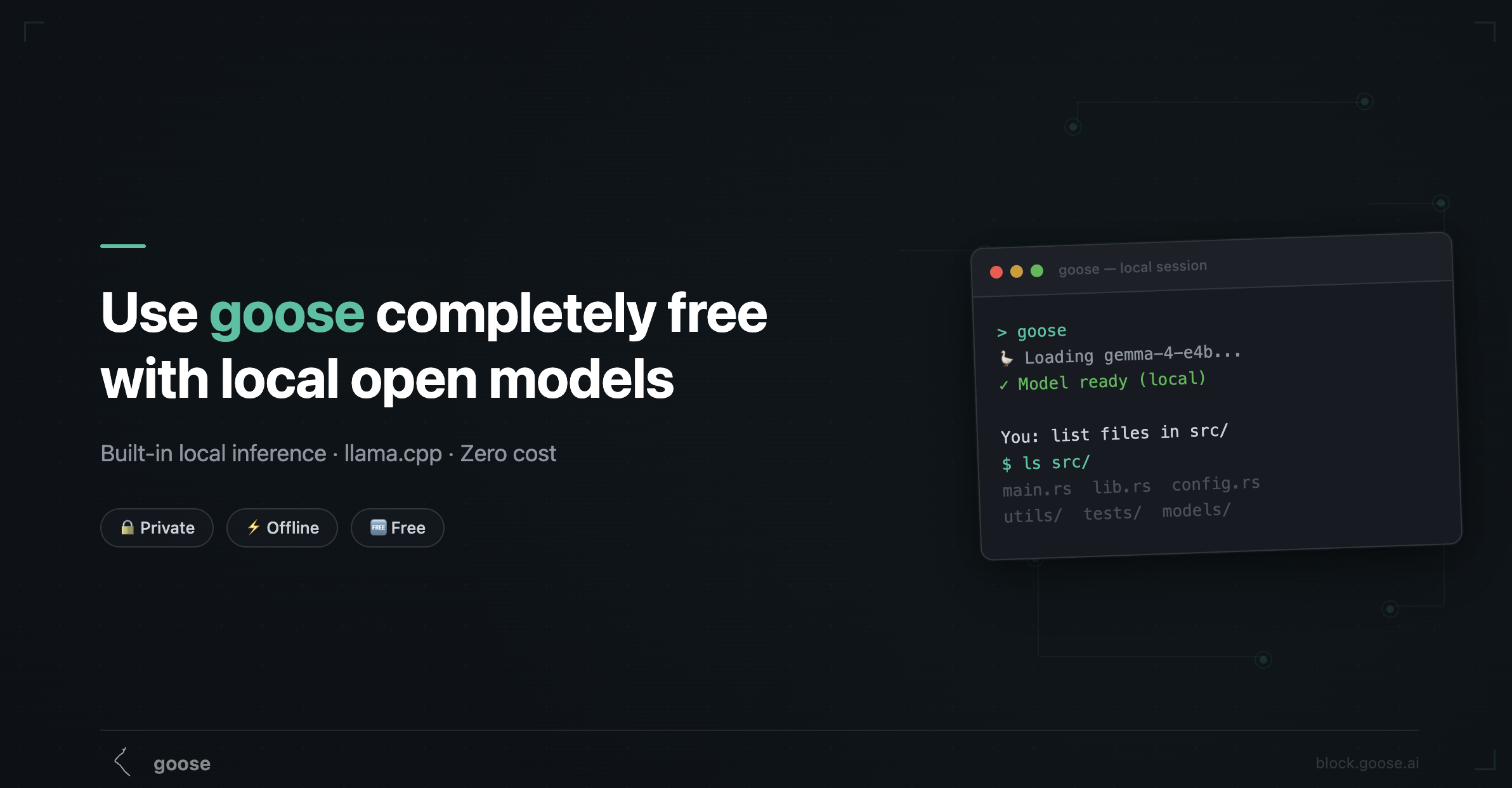
You can now run local models with goose directly on your machine. No Ollama, no Docker, no external server — just entirely within goose. We shipped built-in local inference powered by llama.cpp, and it's already available today in the desktop app.
This is the completely free, zero-dependency path to using goose. Your code never leaves your machine, there's no API key to manage, and it works offline. Here's what the experience looks like, which models to pick, and where the rough edges still are.
How it works
goose now embeds llama.cpp directly into its runtime. When you select the Local provider, goose downloads a quantized GGUF model from HuggingFace, loads it into your GPU (or CPU) memory, and runs inference in-process.
There's no separate server to start, no port to configure, no background daemon.
How to do this on the desktop app:
- Open Settings → Local Inference
- Search Hugging Face for a compatible model.
- Click download — the model files land in the shared Hugging Face cache.
- Start building. That's it.
goose handles the details: GPU offloading, memory management, context window sizing, and automatic model unloading when you switch between models.
What makes this different from Ollama
You might already be familiar with using goose via the Ollama provider. Both paths run models locally, but the architecture is different:
| Built-in (llama.cpp) | Ollama | |
|---|---|---|
| Setup | Nothing — built into goose | Install Ollama separately |
| Server | None — in-process | Ollama runs as a background service |
| Model format | GGUF from HuggingFace | Ollama's own model registry |
| Model management | goose Settings UI | ollama pull / ollama list |
| Tool calling | Native (Gemma 4) or emulated | Via toolshim interpreter |
| Vision | ✅ Gemma 4 models | Depends on model |
| Config | Zero config | OLLAMA_HOST, timeouts, etc. |
The built-in path is designed for people who want the simplest possible local experience — one app, one download, done. Ollama is still great if you want more control, a wider model selection, or you're already using it for other tools.
What to expect
There is some cost that comes with choosing to use a local model - the biggest of which is performance depending on the capabilities of your hardware. Compared to cloud models:
It's slower. The first request takes 30–120 seconds while the model loads into memory. After that, token generation is fast on Apple Silicon (especially M2/M3/M4) but noticeably slower on CPU-only machines.
Context windows are smaller. Most local models work with 4K–8K tokens of context, compared to 128K+ for Claude or GPT. goose sets num_ctx based on your available memory, but you'll hit limits faster on long sessions. Code Mode helps here — it reduces token usage and context rot.
Tool calling is the gap. With Gemma 4, it's genuinely good. With emulated models, it's limited to shell commands. This is the single biggest difference from the cloud experience.
It's completely private. Nothing leaves your machine. No telemetry, no API calls, no data sharing. For working with proprietary code, credentials, or sensitive data, this matters.
It costs nothing. After the initial model download, every session is free. No tokens to count, no bills to worry about.
Tips for getting the most out of it
Start small. Choose a quantized model that fits comfortably in the memory available to goose. If it works well for your tasks, step up to a larger model when you need more capability.
Use Code Mode. Seriously. It's designed for exactly this scenario — keeping sessions productive within smaller context windows.
Use the recommendation. goose compares models already in your Hugging Face cache with the memory currently available for inference.
Don't fight emulated mode. If you're using a model without native tool calling, lean into the shell-command workflow. Ask goose to do things step by step. It works well for "run this command, check the output, do the next thing" patterns.
Switch models for different tasks. You can download multiple models. Use a small fast model for quick shell tasks, and a larger one for complex reasoning. goose unloads the previous model automatically.