Berd
Berd is a desktop application for working with AI agents, built with Tauri and React. It provides its own interface and distribution while using a bundled goose process as its agent backend.
Built with goose over ACP, using a WebSocket connection to goose serve.
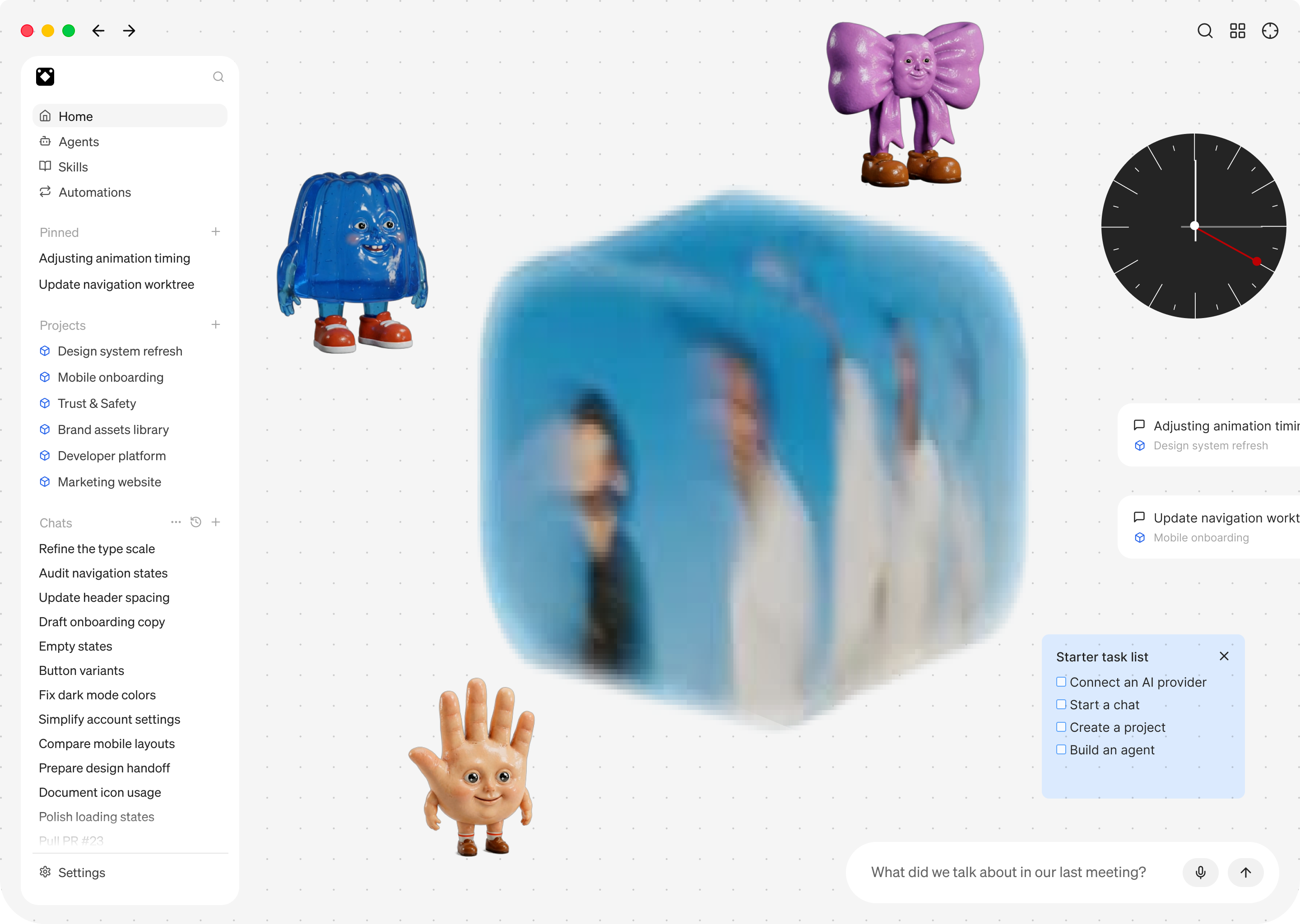
An onboarding image from the Berd repository.
The clever bit
You can build a different desktop product without forking the agent runtime. Berd owns its interface, application lifecycle, and packaging. The bundled goose backend provides the agent execution behind an ACP boundary.
The backend is pinned to a specific revision, so a distribution can ship a
known frontend/backend pair instead of relying on whatever goose version is on
the user's PATH. The same repository also has distribution hooks for managed
settings and private resources without putting those resources in the public tree.
This is the application-level route: use the complete goose binary, rather than assemble a runtime from individual GDK crates.
How it works
- During setup, prepare the goose revision recorded in
goose-backend.lock.jsonand build the vendored TypeScript SDK. - Start a long-lived
goose servechild process on a local port, with a per-launch authentication secret. - Connect to its
/acpendpoint over WebSocket and route session updates to the application. - Package the backend as a Tauri sidecar for distribution.
The process service starts the backend with an explicit local address and port:
command
    .arg("serve")
    .arg("--enable-scheduler")
    .arg("--host")
    .arg(LOCALHOST)
    .arg("--port")
    .arg(port.to_string());
It also passes GOOSE_SERVER__SECRET_KEY and manages the child process lifetime.
The ACP commands
and SDK show the connection from the
application side. For the underlying transport, see
using goose over ACP.
Run it yourself
You need the Rust, JavaScript, and native dependencies for a Tauri desktop build. Setup builds the pinned goose backend as well, so allow time for the initial build. Consult the README and development commands for platform-specific requirements.
git clone https://github.com/block/berd.git
cd berd
just setup
just dev
Configure a model provider in the application before starting an agent session. For a packaged build, the repository's bundling instructions explain how to stage and include the backend.